Download GemReader
Android 10+ · EPUB & PDF · Free forever

Install without Google Play
Download the app file straight to your phone — no Play Store, no Google account.
v1.34.0 · Android 10+
Permissions
We keep permissions to a minimum. Here's the full list.
We request
Storage
To read and write your book files — nothing else
Network
Only when you ask it to: browsing the built-in free-book catalog, downloading a book from a Gem List, or opening the in-app browser. Never in the background, and nothing about your reading is ever uploaded.
CameraOptional
Only if you scan a QR code — never for photos, and only when you choose to
BiometricsOptional
Only if you turn on app lock — the check happens on your device
NotificationsOptional
Only to show playback controls while a book is being read aloud
Screenshot detection
So locked collections and PIN screens can block screen capture. It tells the app a screenshot is being taken — it can't see your screen or read anything else.
The manifest also declares a handful of permissions Android never prompts you about: keeping the screen awake while you read, vibration for highlight haptics, checking whether you're online before a catalog or Gem List download, and the foreground-service and restart entries the read-aloud player needs to keep playing when you leave the app.
We never request
Location
Never tracked
Contacts
Not touched
Accounts
No sign-in ever
Listed by Android, never used
Microphone
Comes bundled with the audio-playback and QR-scanning libraries GemReader uses. The app contains no recording code and never asks you for mic access.
Nothing about your reading leaves the device. GemReader carries no analytics SDK, no crash reporter and no ad network — it only touches the network when you tap something that fetches a book.
Screenshots
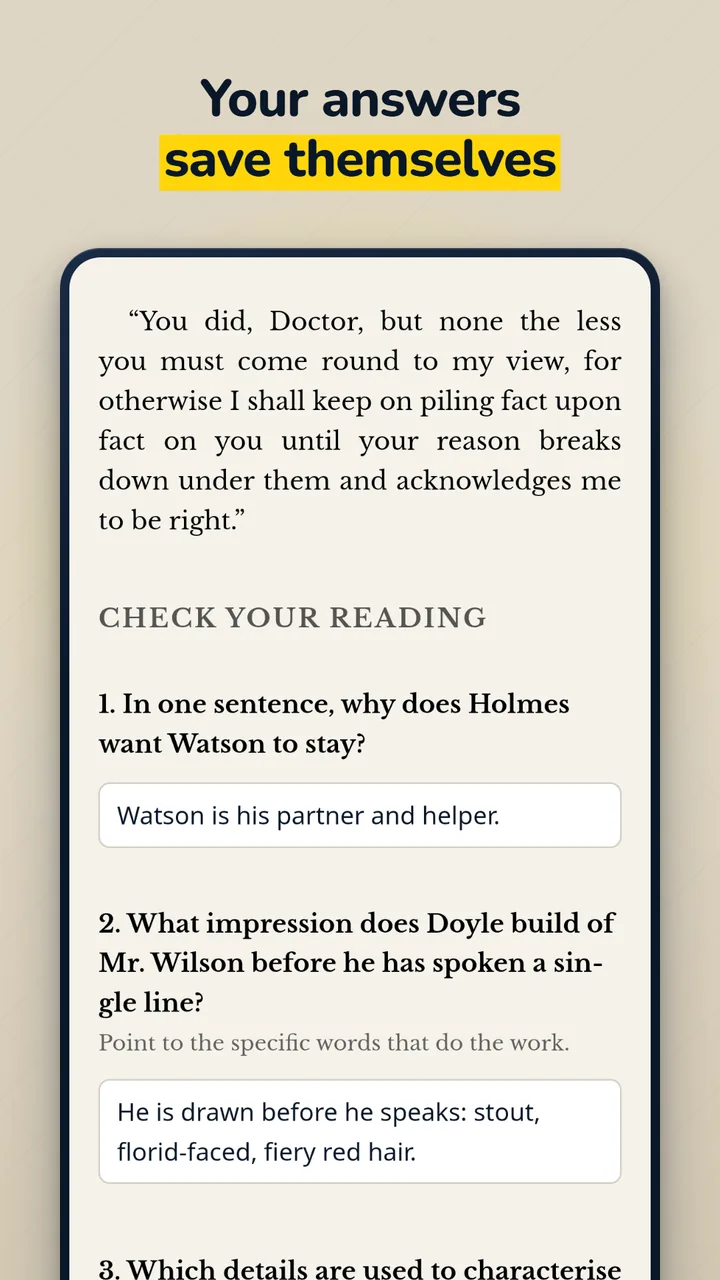
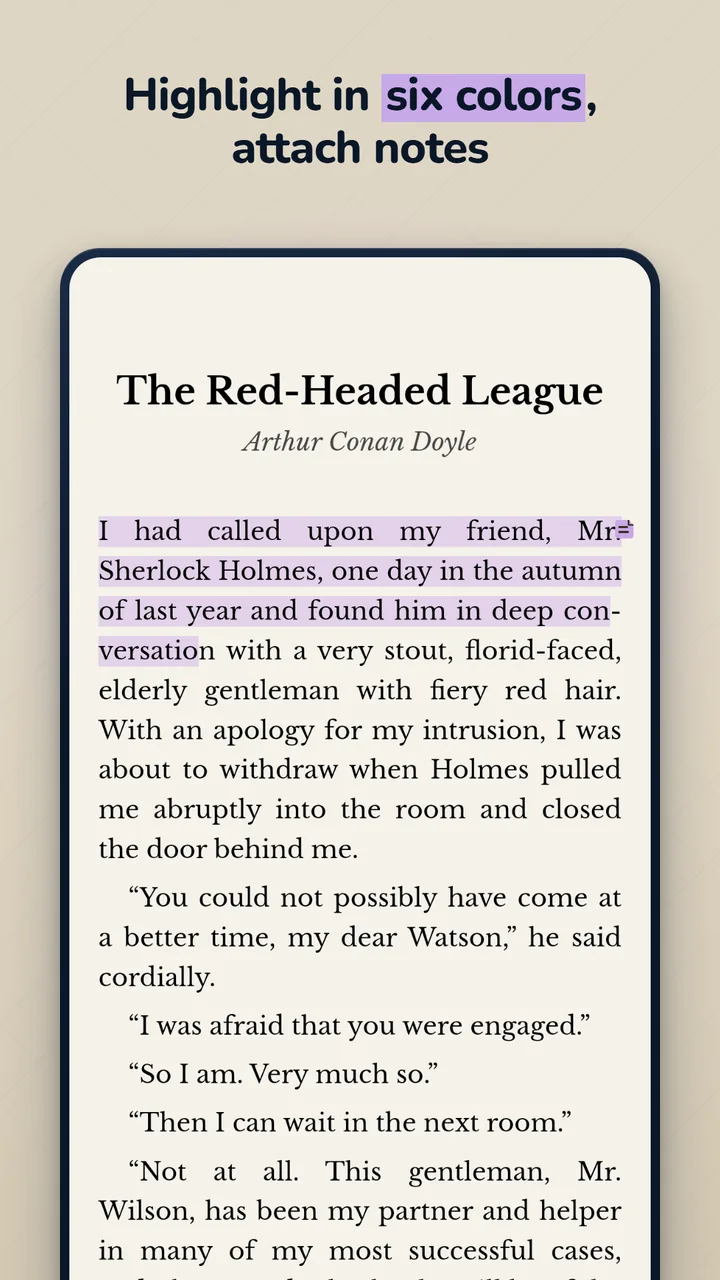
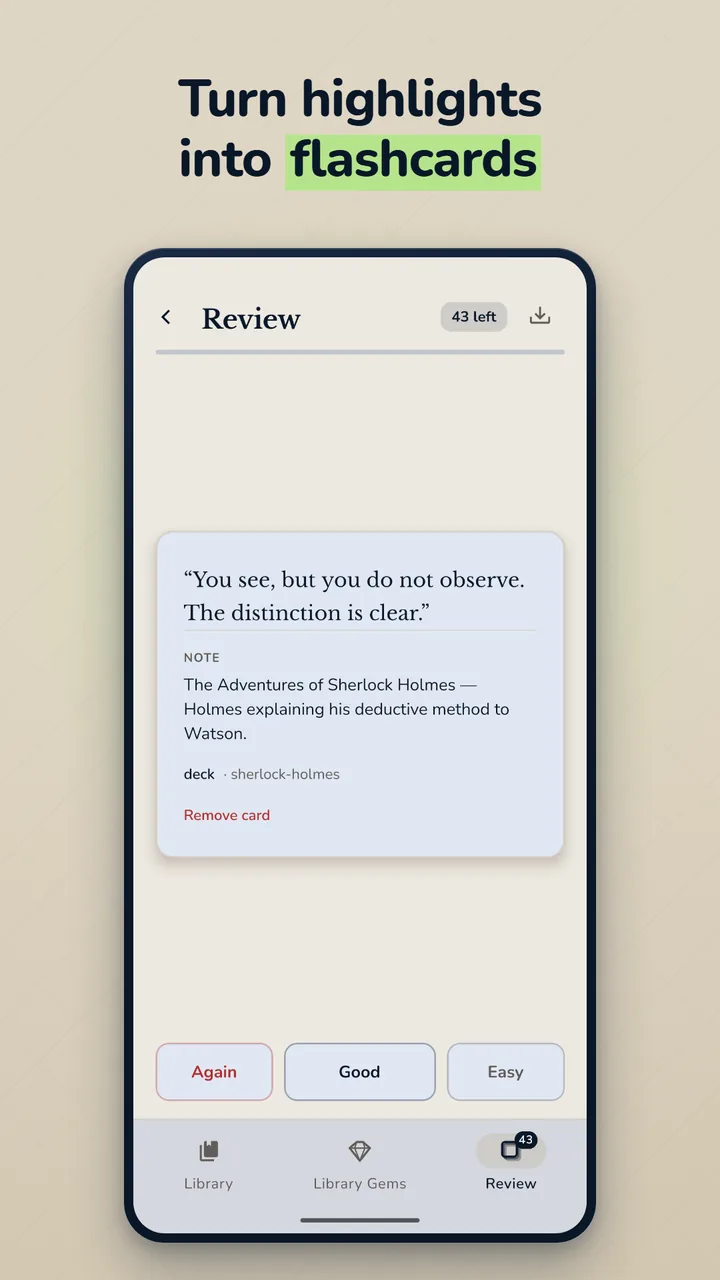
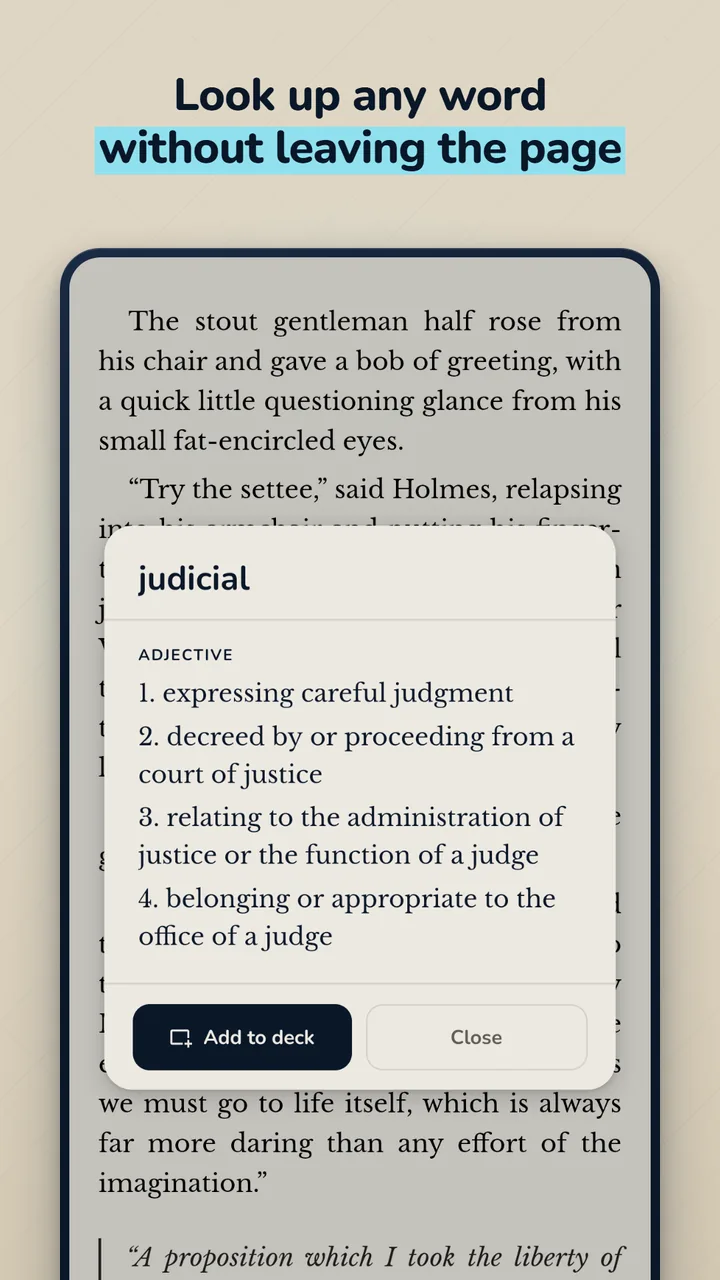
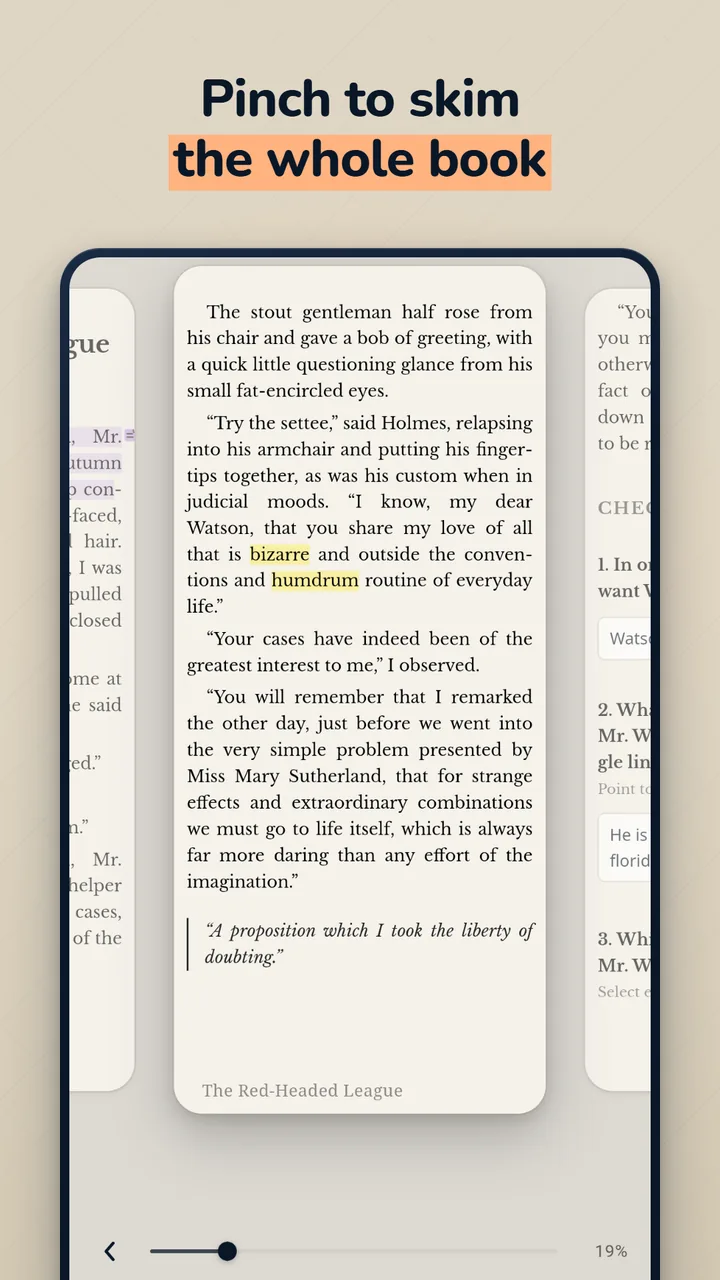
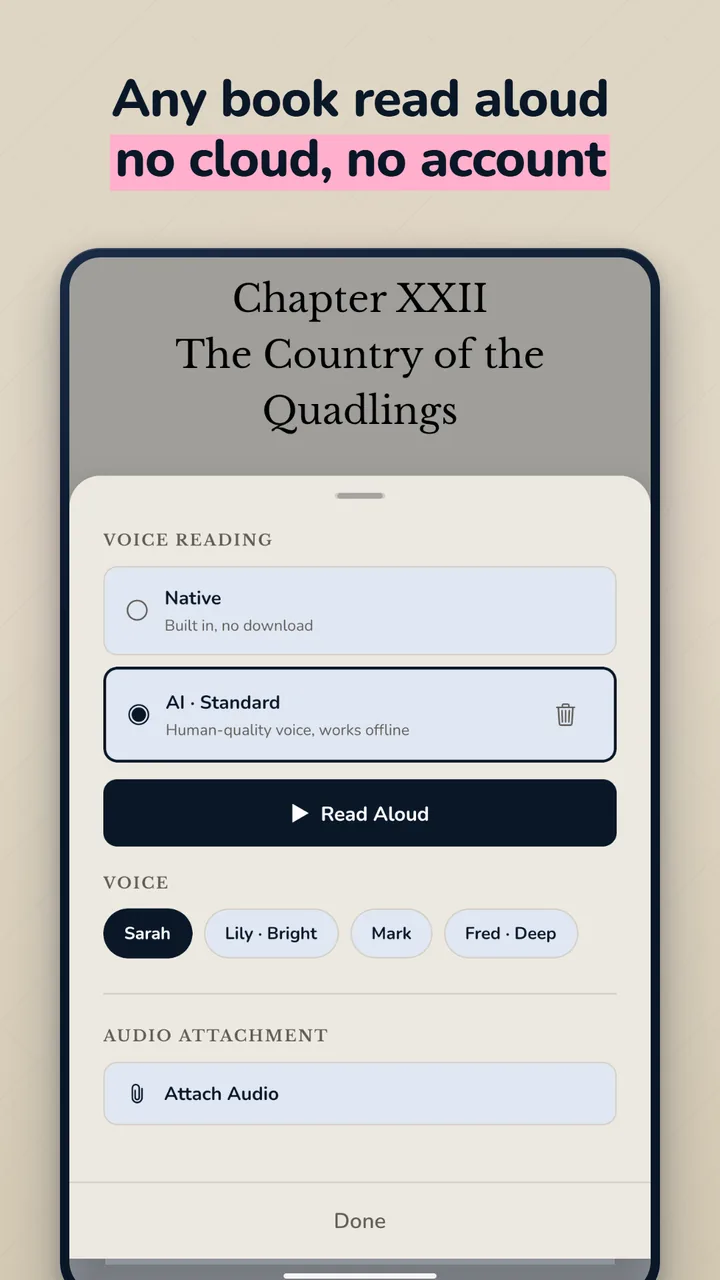
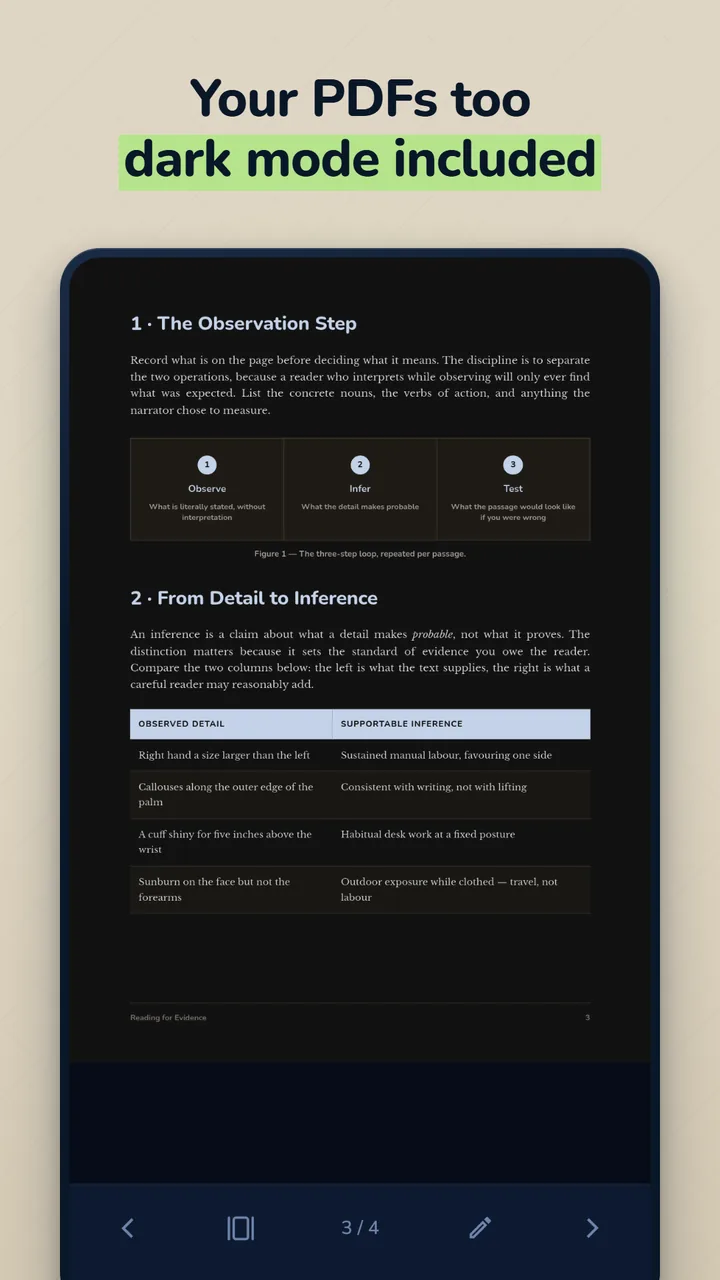
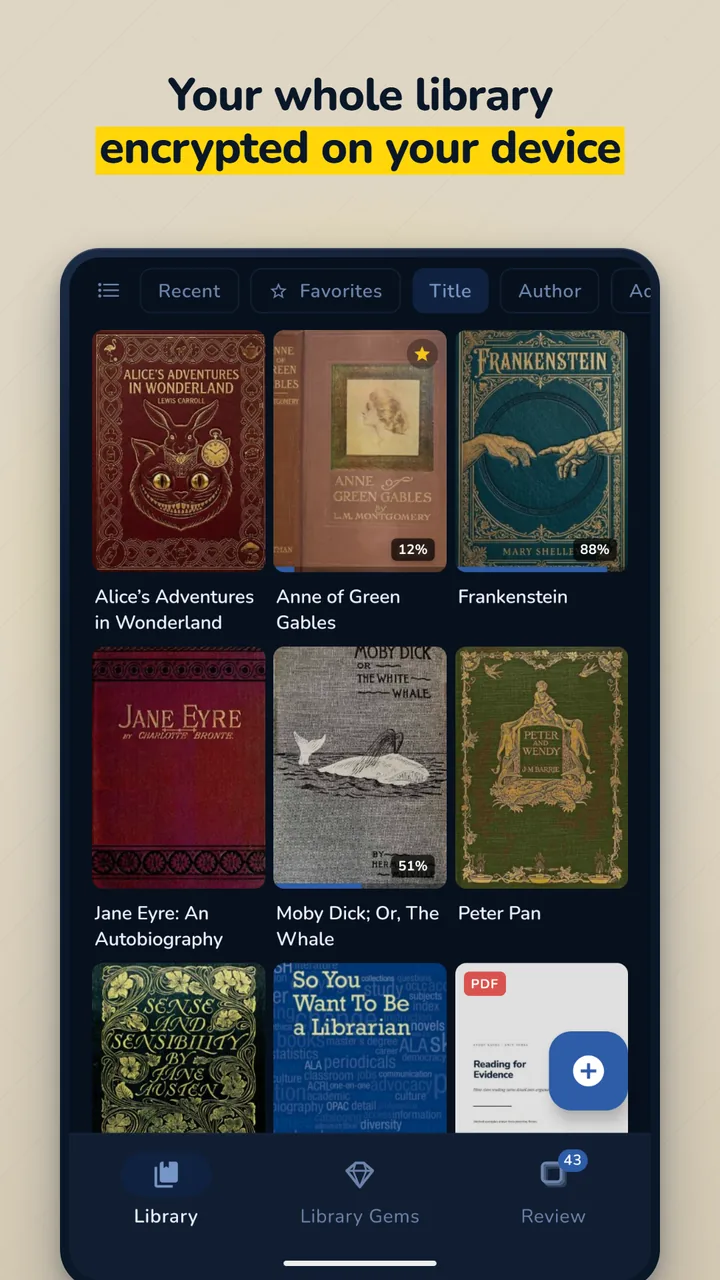
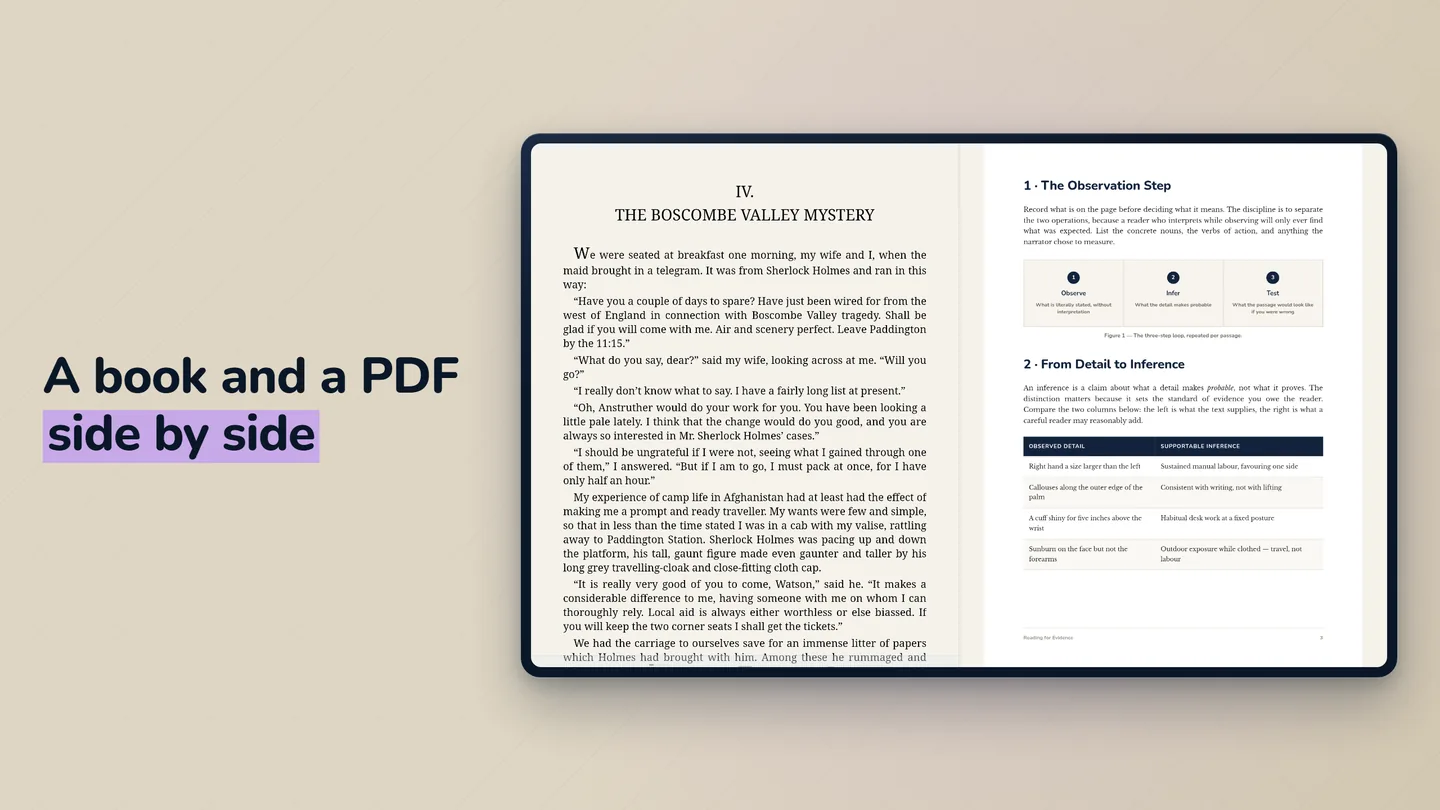
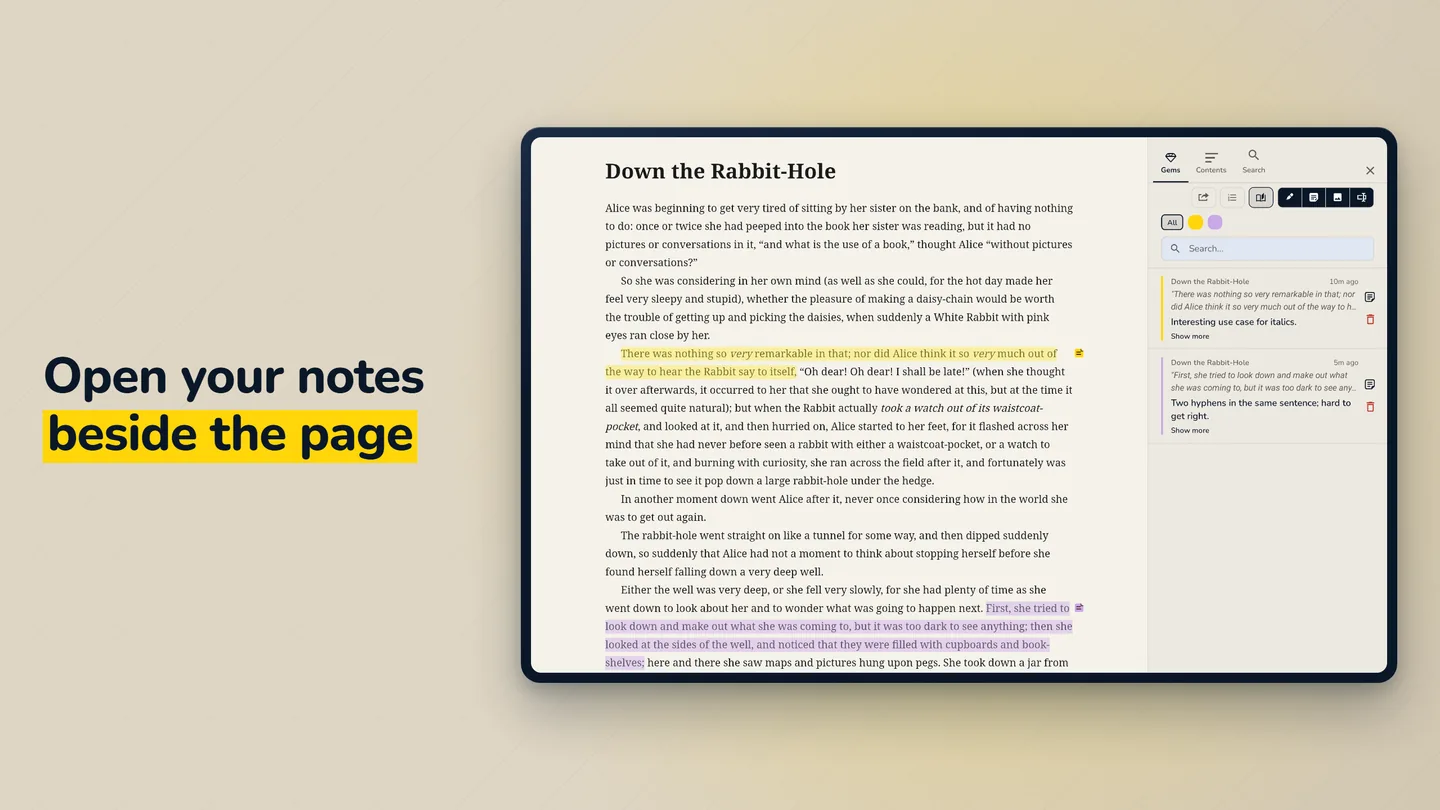
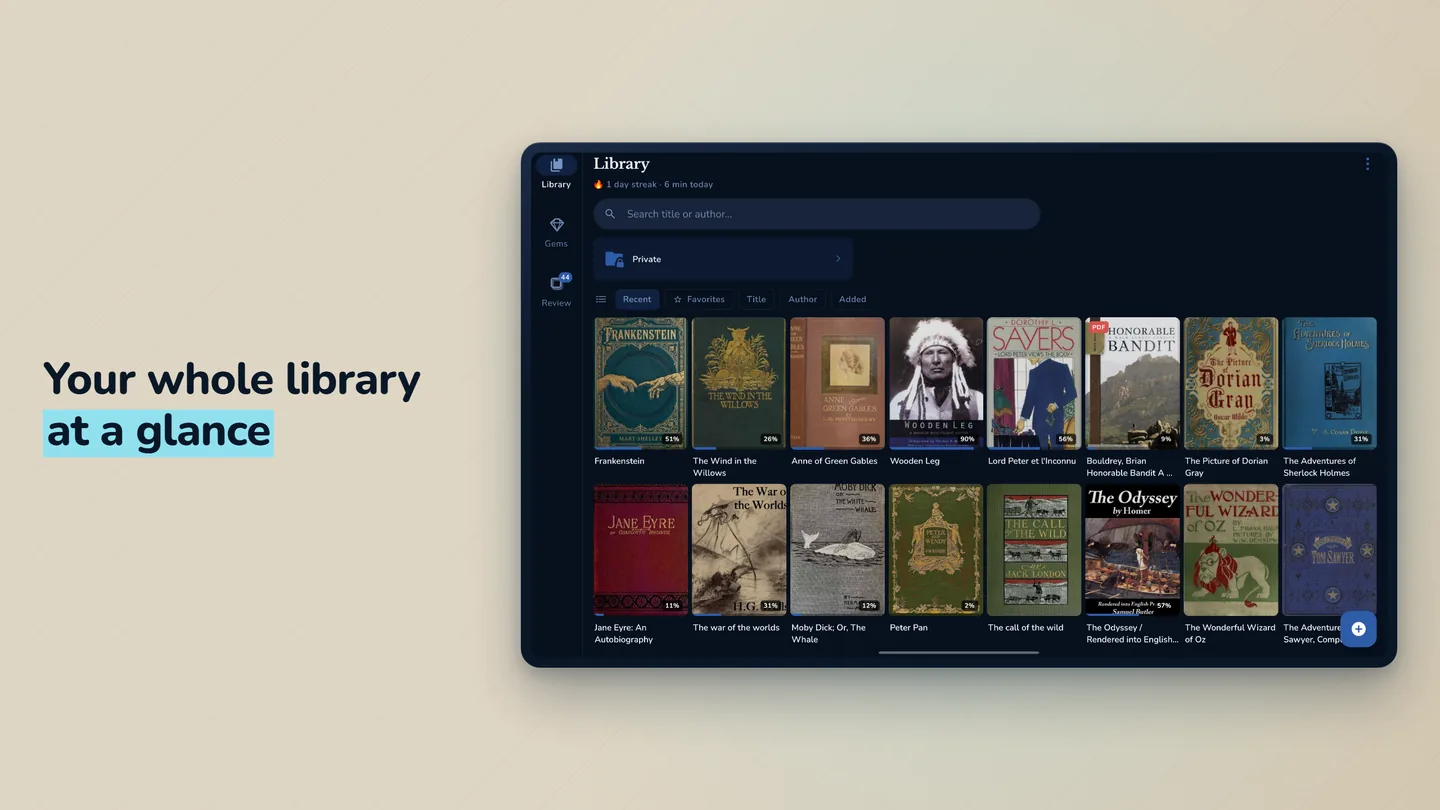
See every screen →Exactly what you'd see on Google Play. Swipe through — phone first, then tablet.
Common questions
Installing an app this way is new to most people. Here's what you probably want to know.
Yes — it's the exact same app, either way. You can install from Play or download the file straight from this page; you get the same GemReader.
Yes — when you trust where it comes from. You're downloading straight from gemreader.com over a secure connection, and Android checks the file before installing and blocks anything that's been changed or tampered with. The only real risk is downloading apps from shady sites. This isn't one.
Fair question, and the honest answer is: check it yourself. GemReader asks for storage (your book files), camera (only if you scan a QR code) and network access (only used when you ask it to — browsing the free-book catalog, fetching a book from a Gem List, or opening the in-app browser). It never asks for your location, contacts or any account. There's no analytics SDK, no crash reporter and no ad network in the app, so there's nothing collecting your reading in the background. After installing, open Settings → Apps → GemReader → Permissions and read the list for yourself.
Your books are stored, locked, inside the app — safe from other apps, but they're removed if you uninstall GemReader. Before uninstalling, send your books out with the Share button, or keep your original files somewhere safe. Keeping a backup is up to you — that's the honest trade-off for keeping them private.
Google Play is the easiest — it updates the app for you automatically. The direct download is here if you'd rather not use the Play Store. Both are the same app. Either works.
How to install it
Android will ask your permission once, just for this app. The whole thing takes about 30 seconds.
Download the APK file using the 'Download APK' button above.
Open the downloaded file. Android will ask to allow installs from your browser — tap "Settings", toggle it on, then tap back and "Install."
Once installed, launch GemReader from your app drawer.
Import your first book or PDF — it encrypts automatically.